There was an app built to connect the tenants of one building into a real community. Nothing bigger than that. Just neighbors with a place to discuss issues and celebrate wins, built for that one building and nobody else.
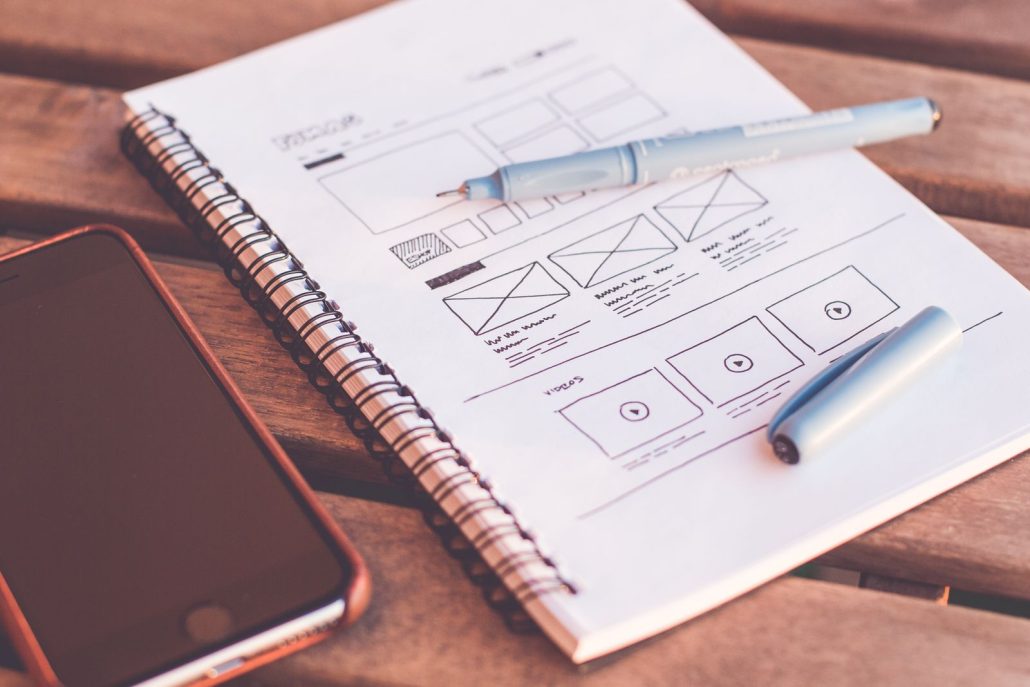
I got sent a storyboard for that one, with a script sitting in the column right next to it. That’s usually how it comes when a client hires me for voice over for mobile app narration: a storyboard laid out screen by screen, and the words that go with each screen right there next to it, not a script by itself.
Why Voice Over for Mobile App Narration Is Different From a Commercial Read
A thirty-second commercial has decades of context built in before I ever open my mouth. Everybody already knows what a truck is, what an insurance policy is, what a fast food combo meal looks like. Voice over for mobile app narration doesn’t get that head start. Most of the apps I narrate are brand new ideas being brought to market for the first time. There’s no existing familiarity to lean on, no shorthand the audience already carries in their head. The read has to build authority from nothing but what’s actually on the screen.
That’s the real reason a storyboard matters more here than almost anywhere else in this business. Knowing what’s on screen helps me relate to the idea, and that’s what makes the read land instead of just narrate.
What Actually Goes Wrong When You Read an App Demo Blind
Hand me a script with no storyboard and I can still read it. I can hit every word right. What I can’t do is sound like I know what I’m talking about, because I don’t. These apps are new. Nobody’s heard of them yet. If I don’t understand what the product does and how someone actually uses it, the read comes out sounding like exactly what it is: a guy reading words off a page about something he’s never touched. That’s the most common way voice over for mobile app narration falls flat, and the viewer can’t always name it. They just don’t trust it.
The Tenant App: What Understanding the Product Actually Changed
The tenant-connection app is the clearest example I’ve got. Friendly and inviting, I could’ve pulled that off the script alone, no problem. But knowing where the buttons actually sat on the screen, and knowing exactly what the end user was looking at when they heard each line, changed how I said it. I wasn’t describing a feature anymore. I sounded like I knew how to use the thing, because by the time I hit record, I actually did.
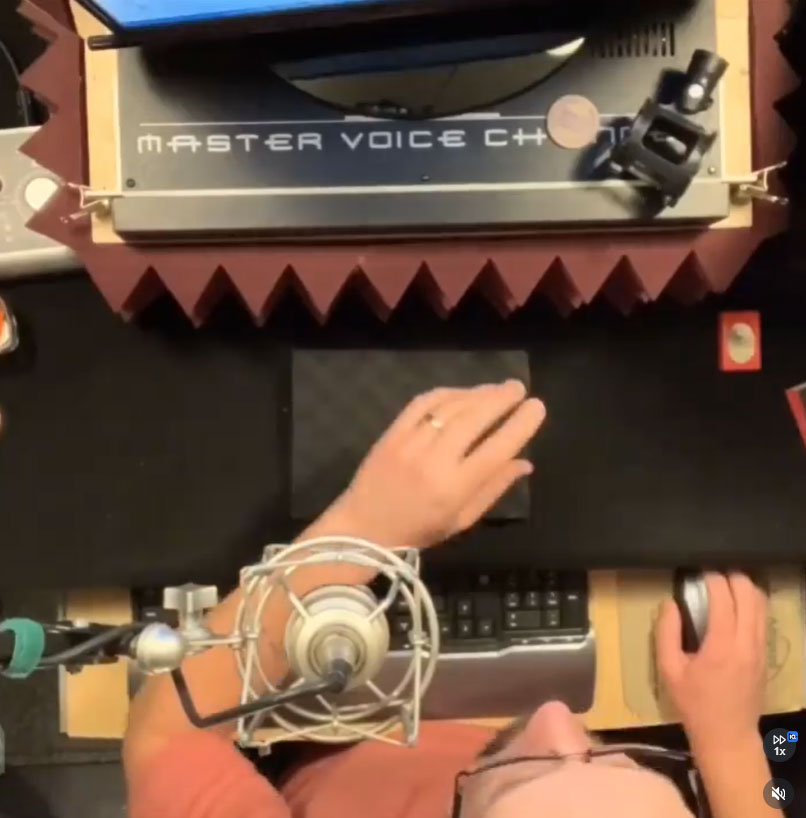
That’s the difference between narrating an app and narrating for the people using it. One sounds like copy. The other sounds like someone walking you through something they use themselves.
Why This Matters If You’re the One Hiring the Voice
Wyzowl reports that 96% of people have watched an explainer video to learn more about a product, and that adding one to a landing page can boost conversions by up to 80%. That number only holds up if the demo actually does its job. A voice that sounds unsure of the product it’s selling is working against that number, not for it.
A storyboard also saves you time in the session. When I can see the screens, I can decipher the script and pull out the things you maybe didn’t even think to direct me on. A button that needs a little lift. A pause while the screen changes. When you do give direction, I’m not wasting your time catching up, because I already know what the viewer is looking at. When you’ve got a client breathing down your neck, that matters.
Every word in that script was chosen for a reason, usually by someone who knows the product better than anyone. My job is to honor those reasons. I can’t honor them if I don’t know what they’re attached to.
Send the voice actor your script if that’s all you’ve got. But if you’ve got a storyboard, send that too, even a rough one. It’s the difference between someone reading your app to your audience and someone who sounds like they already work there.
I’ve done a handful of these “whiteboard” app demo videos now, mostly for brand-new products with zero built-in audience trust. The read is the shortcut that trust would normally provide, if the person reading it actually understands what they’re selling. That’s what good voice over for mobile app narration really is: borrowed trust, earned by doing the homework before the mic ever goes hot.
Bill Stage records commercial, corporate, and narration voice over from a Whisper Room booth in rural Illinois. Read more about how he works.